

The Spreadsheet You Love,
Now with Superpowers
If you can use a spreadsheet, you can use People Dept. We’ve kept the familiar grid layout but removed the manual formulas and broken links.
01.
Most Intuitive and Easiest Interface to Schedule
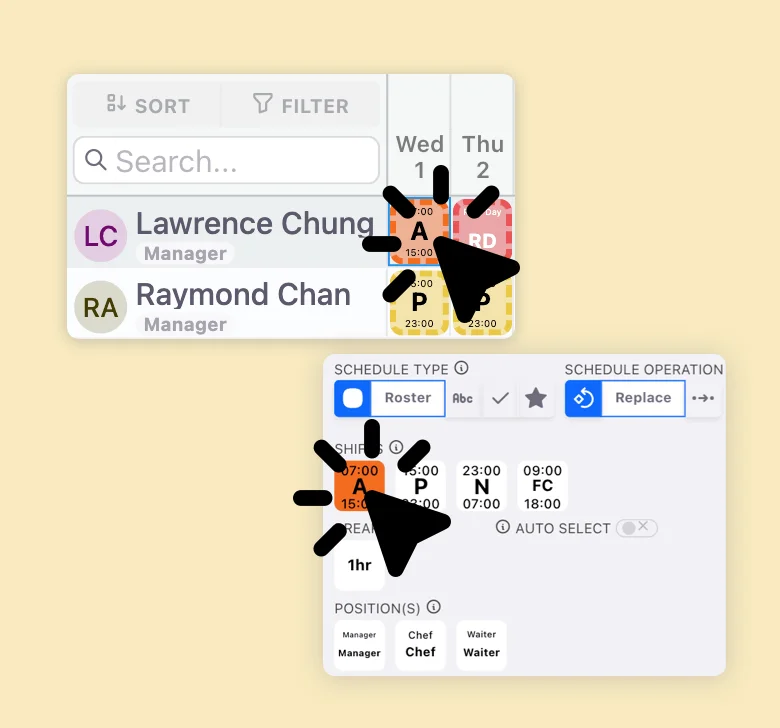
Whether you prefer a "Paintbrush" or "Click-to-Assign" approach, our interface adapts to your habits. Simply select a shift or leave type from the Control Panel and "paint" it across the grid, or select a cell first to precisely assign overtime, breaks, or specific work tasks.
02.
Live Intelligence & Instant Balances
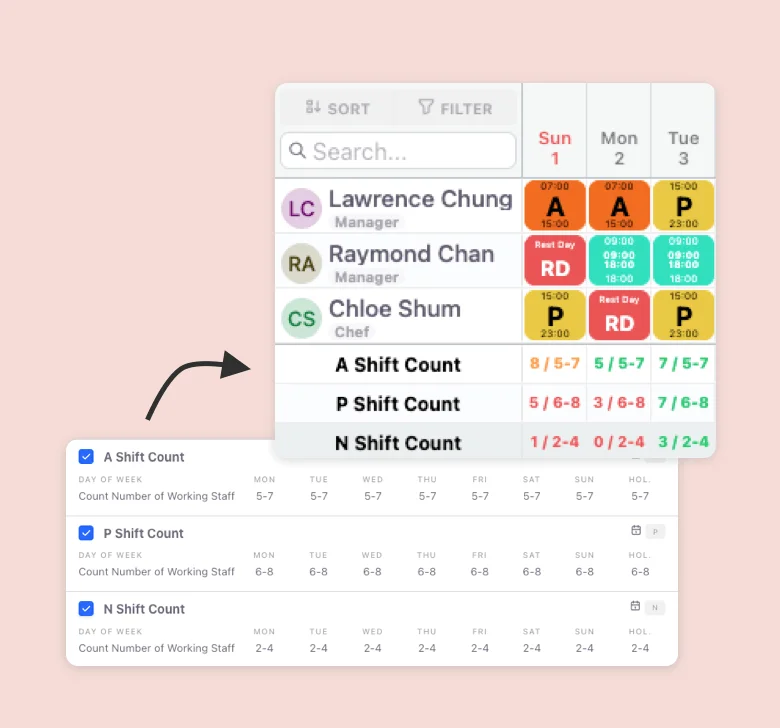
Stop manual counting. Our Real-Time Balances do the math for you. Track individual employee work hours and leave quotas, while the Daily Staffing Counter automatically compares your roster against shift requirements—alerting you with color-coded signals if you're understaffed.

03.
Smart Automation & Rapid Duplication
Beyond manual entry, leverage AI Auto-Scheduling or the Fixed-Hour Contract setting to fill your grid instantly. Have a pattern that works? Use the Smart Copy function to roll over successful rosters from previous periods to the future in one click.
04.
Professional Workflow & Version Control
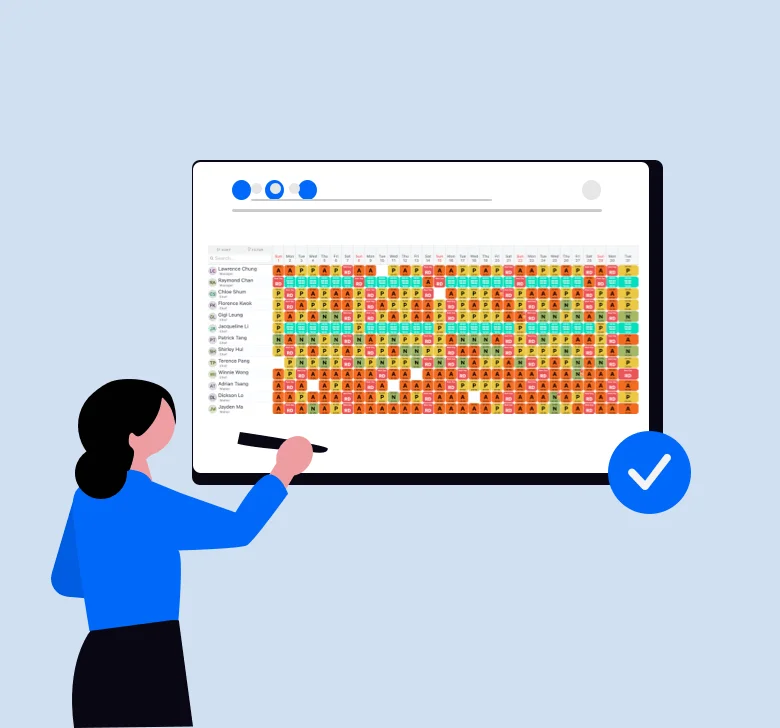
Manage with confidence using Pending Rosters that require supervisor approval or employee acknowledgement. Take Snapshots to save your progress or restore previous versions, then export your finalized schedule to professional PDF or Excel formats for distribution.
Other Scheduling Features That You Might Need
Other Features