AI Roster & AI Scheduling Software
AI Digital Roster and AI Work Schedule, Simplified.
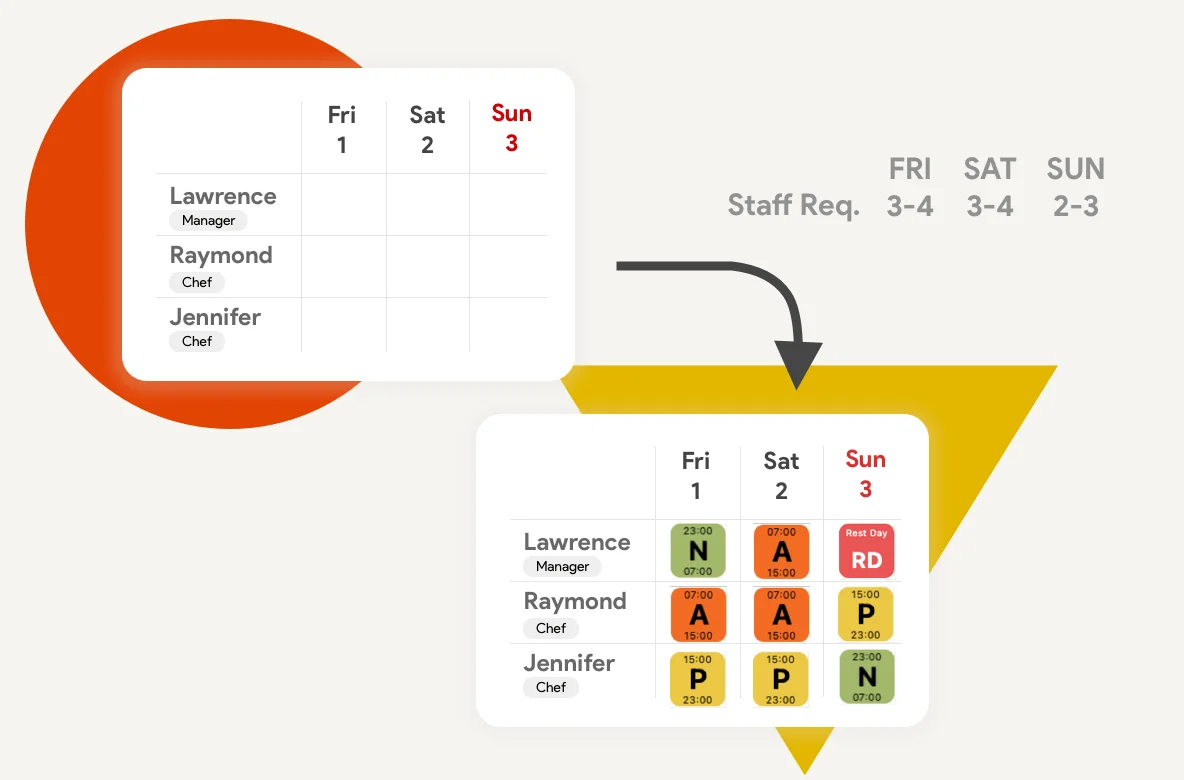
Create an AI roster in clicks, not hours. Our AI scheduling engine builds an AI digital roster and AI work schedule that balances coverage, contracts, and employee availability.
Operational Efficiency by the Numbers:
The Real-World Impact of AI-Driven Rostering
-80%
Reduction in Schedule Planning Time
-90%
Decrease in Staff Scheduling Errors
-15%
Saved in Total Workforce Labor Costs
The Workforce Intelligence Behind the Roster
Our intelligent auto-scheduling engine doesn’t just place names in calendar slots; it makes decisions with the strategic foresight of an operations manager:
Contract-First Compliance Logic
Prioritizes employees with fixed core working hours to guarantee that corporate contractual labor obligations are met first.
Labor Shortage & Understaffing Detection
The automated rostering system flags high-need operational days suffering from workforce shortages and solves those scheduling puzzles first.
Employee Availability & Preference Scoring
By analyzing employee preference and unavailable time slots, the AI engine optimizes team retention and scheduling satisfaction.
Automated Labor Policy Compliance
Cross-references leave configurations and statutory rest-day intervals to consistently keep your company compliant with labor laws.
Statutory Public Holiday Prioritization
On public holidays, the scheduling algorithm balances the demand for skeleton crews while maximizing holiday time off for eligible staff.
Built-In Operational Accountability
Toggle workflow settings to mandate digital employee acknowledgment or manager verification before any shift schedule goes live.
How It Works: 4 Steps to an Optimized Staff Roster
1. Define Your Staffing Requirements
Set custom labor rules for professional roles and team shifts. Define minimum and maximum staff headcounts for weekdays, weekends, and peak operational hours.
2. Configure Your AI Scheduling Logic
Choose what parameters the AI manages: specific shift assignments, statutory rest days, or fixed contract hours. Choose to overwrite current plans or patch scheduling gaps.
3. Select Your Workforce Team
Pick the corporate division or regional department you need to schedule. The engine scales effortlessly from boutique teams to enterprise operations.
4. Live Roster Preview & Commit
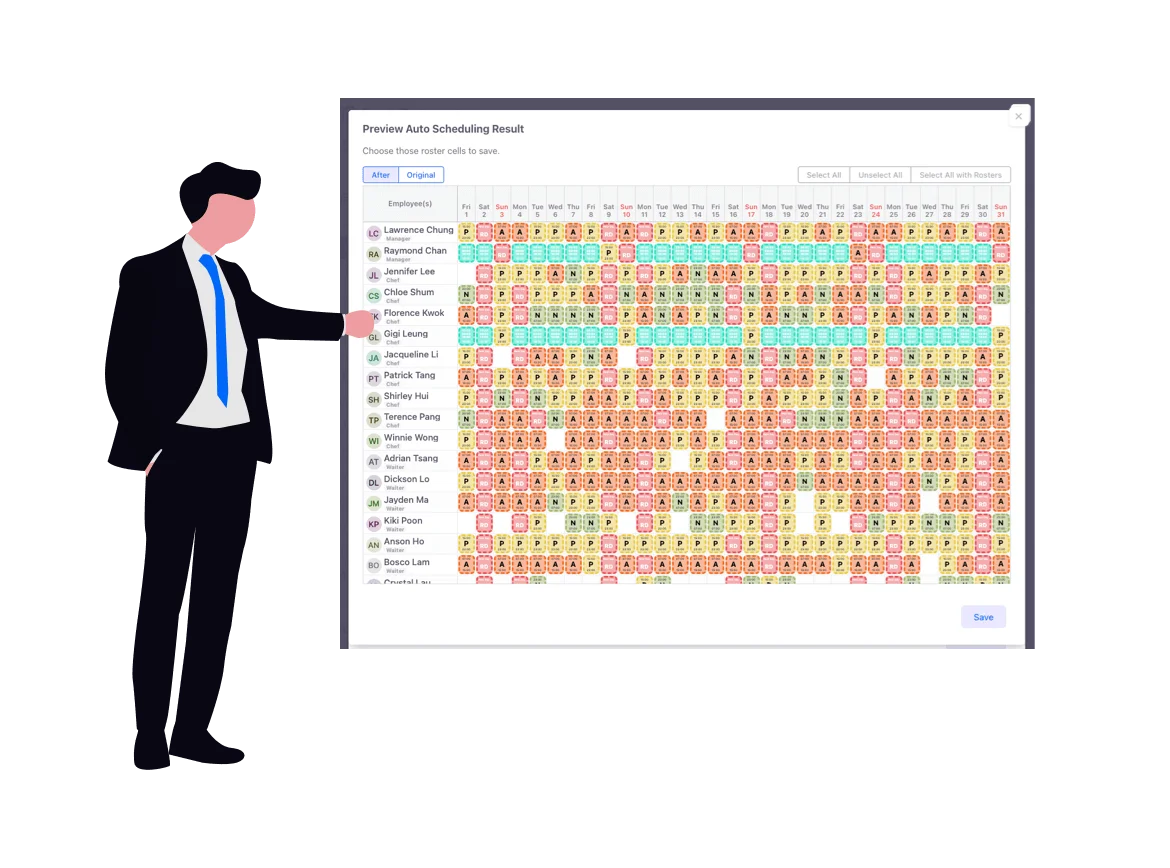
Review AI shift suggestions within an interactive portal. No scheduling records are written to the database until you confirm, providing a fail-safe testing playground.
Additional Workforce Scheduling Features for Your Enterprise
Other Features
Frequently asked questions
What is an AI roster?
An AI roster is a staff schedule created by AI scheduling software. People Dept reads your staffing rules, contracts, and availability, then drafts an AI digital roster you can preview before it goes live.
How does AI scheduling differ from a spreadsheet?
A spreadsheet stores names in cells. AI scheduling builds an AI work schedule against coverage, rest days, and leave so managers spend less time fixing clashes and understaffing.
What is an AI digital roster or AI work schedule?
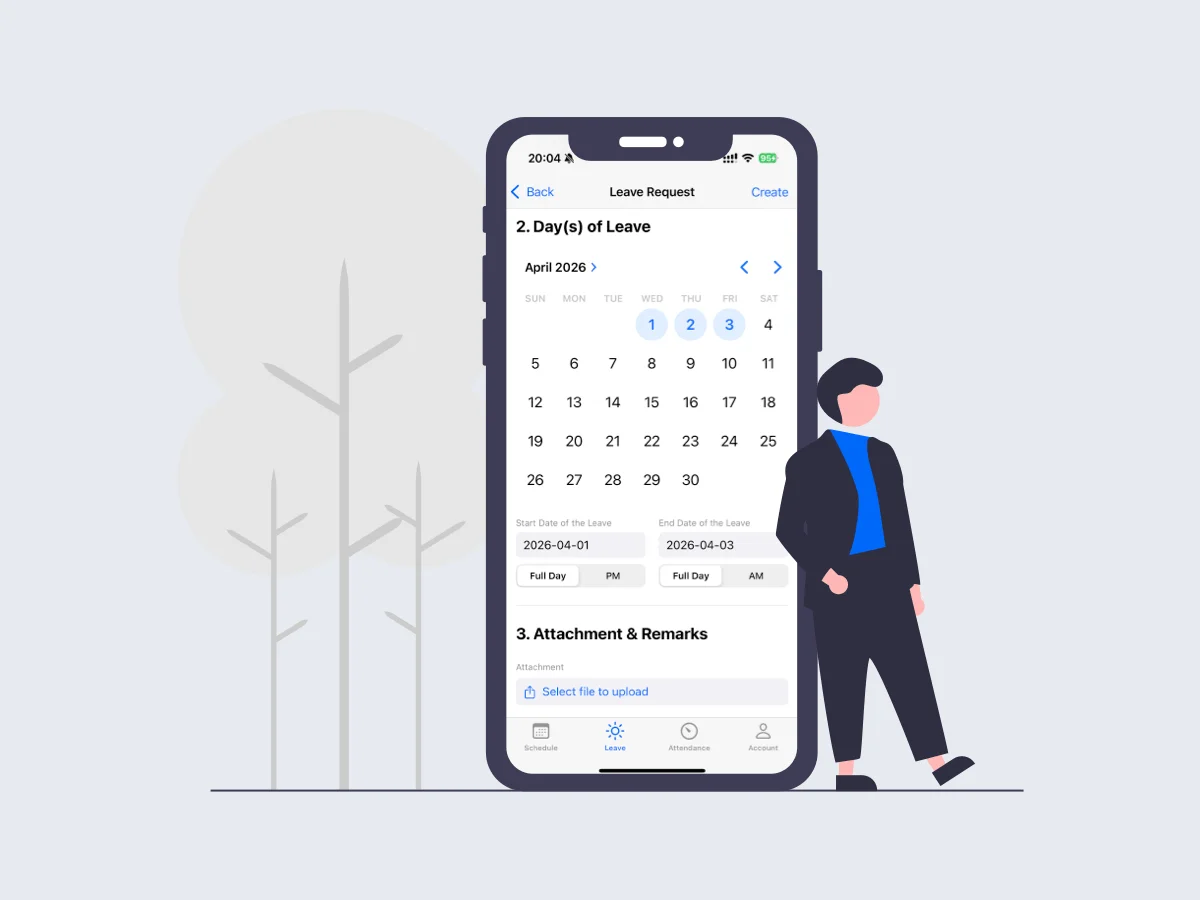
An AI digital roster is a live, cloud-based AI work schedule. Managers edit it on the web; employees see the same AI roster on mobile, with notifications when shifts change.
Can AI roster software consider employee availability?
Yes. Staff submit availability and leave in the app, and the AI scheduling engine uses those preferences when it generates the AI roster so the AI work schedule stays fair and coverable.