Bulletproof Accuracy with Multi-Factor Mobile Check-in
Eliminate "buddy punching" and manual logbooks. Secure your workforce with up to two-step verification using biometrics, location-sensing, and hardware-backed hardware.
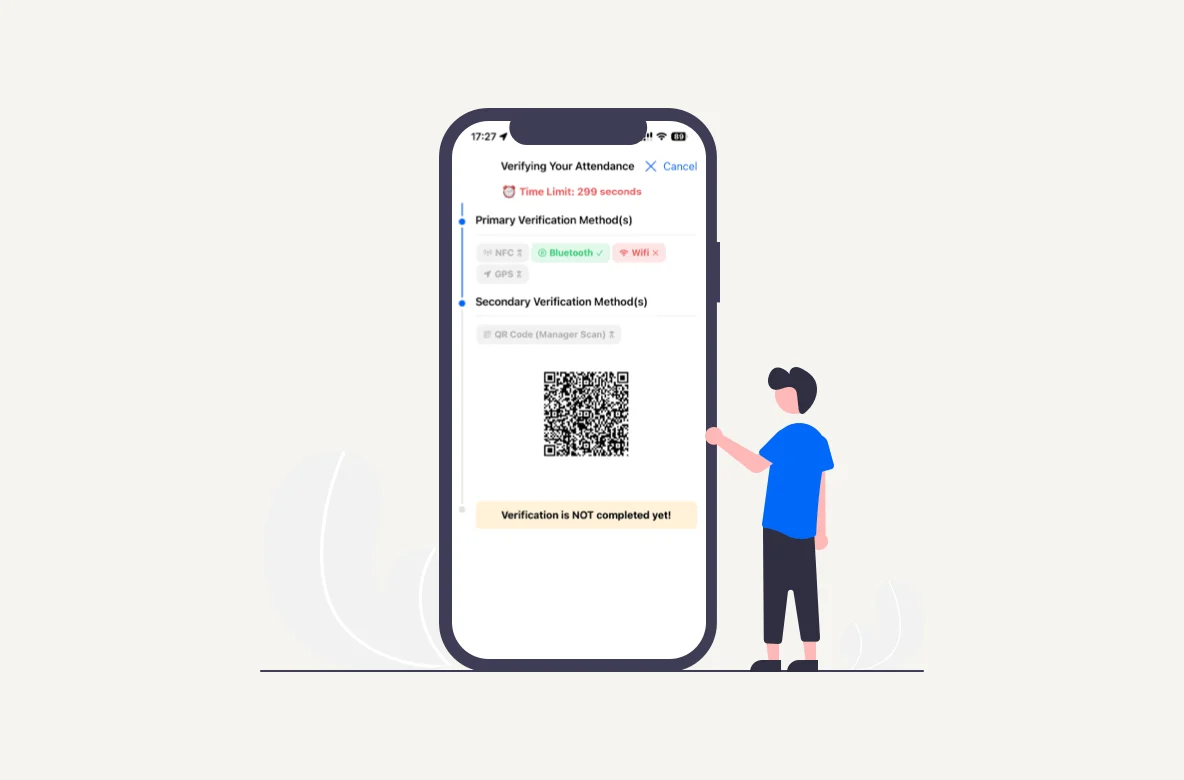
Custom Two-Step Workflows
Configure up to two layers of verification for every check-in. Require a GPS match followed by a Face Recognition scan, or a Bluetooth Beacon detection paired with a Manager’s QR code.
Method-agnostic Flexibility
Mix and match from 7 different technologies to create the perfect balance between speed for the employee and security for the company.
Hardware-Integrated Security
For the highest level of assurance, pair our mobile app with our proprietary Attendance Kiosks for NFC and Bluetooth-backed verification.
7 Secure Mobile Attendance Software Features to Verify Presence
Our system offers the most comprehensive suite of verification tools in the market. Mix and match these seven methods to build a check-in process that is impossible to bypass.
01.
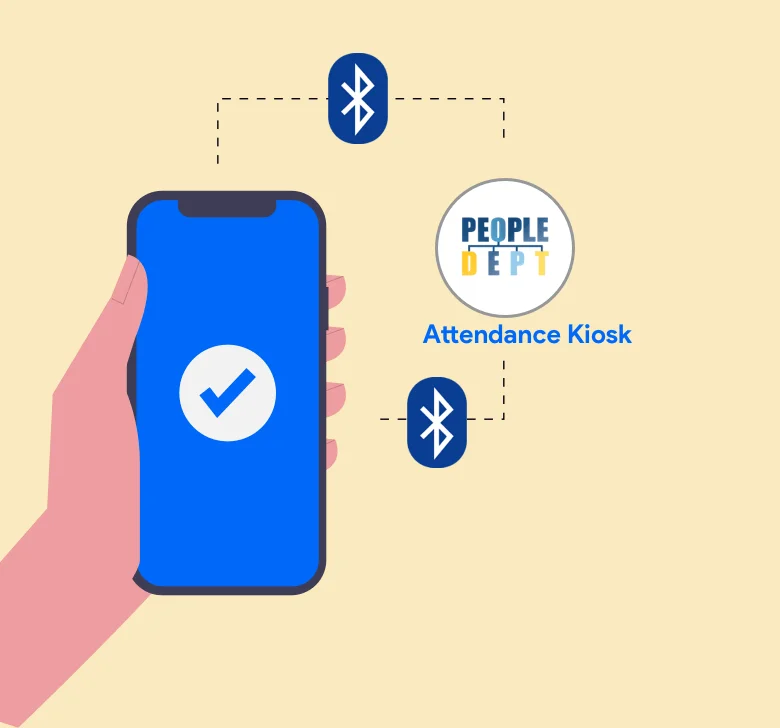
Bluetooth Beacon Detection
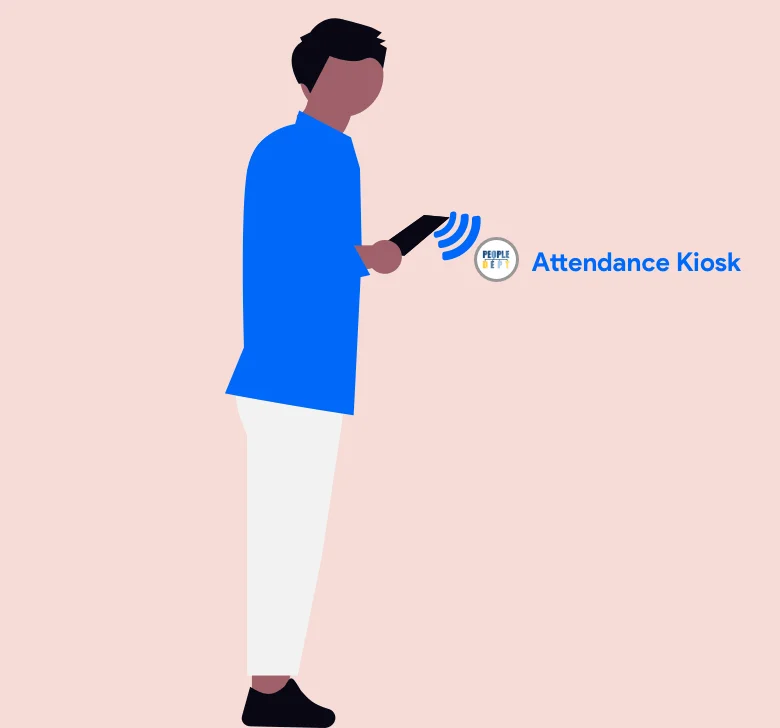
Pair our mobile app with our proprietary Attendance Kiosk. The app automatically detects the encrypted Bluetooth signal emitted by the kiosk, ensuring the employee is physically standing within the designated check-in zone.
02.
NFC Tap-to-Verify
Transform your phone into a secure ID badge. Employees simply open the app and tap their device against the Attendance Kiosk’s NFC reader. This hardware-to-hardware handshake provides the highest level of physical presence assurance.
03.
GPS Geofencing for Remote Teams
Perfect for field teams and remote sites. The system captures the phone’s precise coordinates and compares them against your configured office or job site radius. If they aren't on-site, they can't clock in.
04.
Authorized WiFi Connection
Ensure staff are using the company’s secure infrastructure. Managers register the unique MAC addresses of office routers, requiring employees to be connected to the official workplace WiFi before the attendance button is activated.
05.
QR Code Scanning
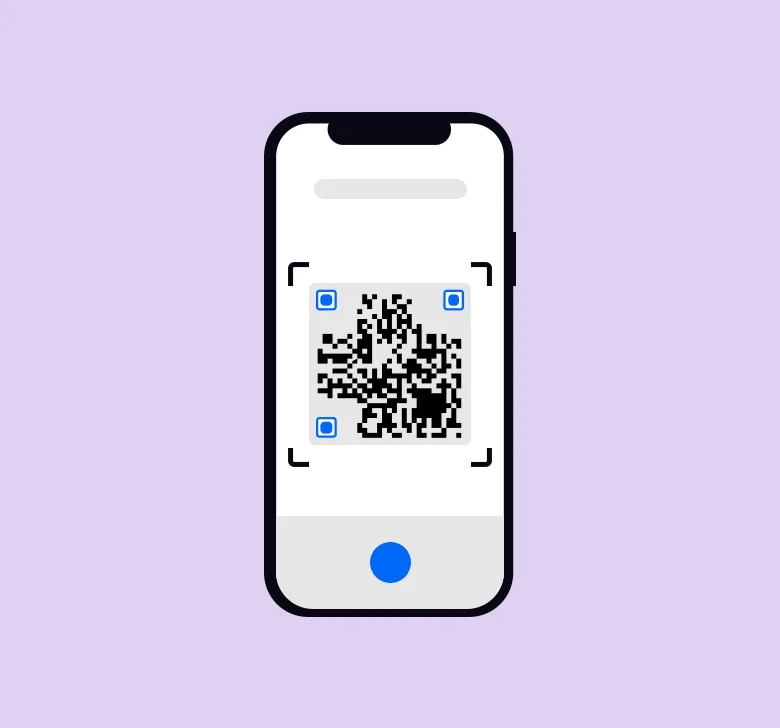
Employees can scan a dynamic QR code generated on the manager’s device, or managers can scan the dynamic QR code generated on the employee’s device for the attendance taking, ensuring face-to-face accountability at the start of a shift.
06.
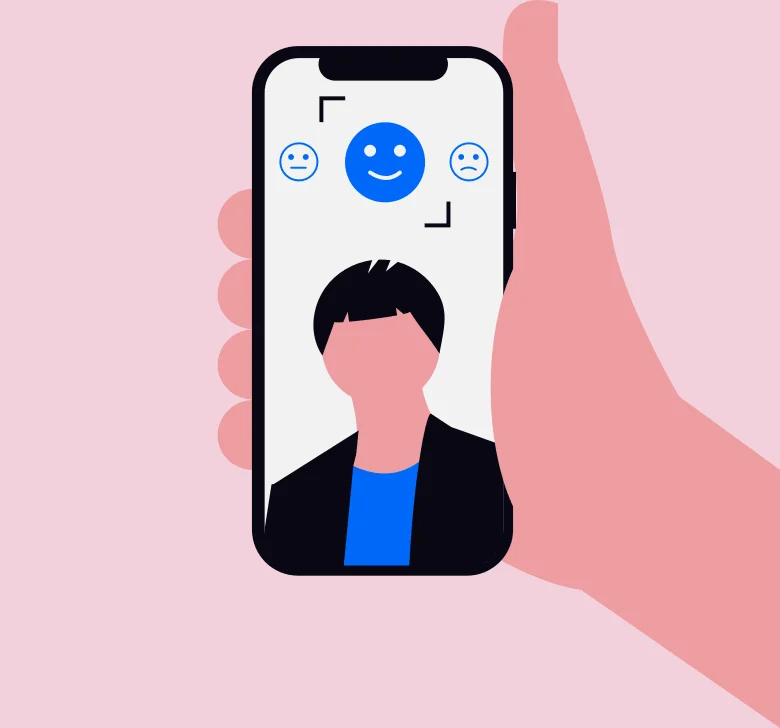
Biometric Mobile Attendance via AI Face Recognition
Eliminate identity fraud with biometric intelligence. The system compares a live "attendance selfie" against a pre-verified profile photo, using AI to ensure the right person is on the job every time.
07.
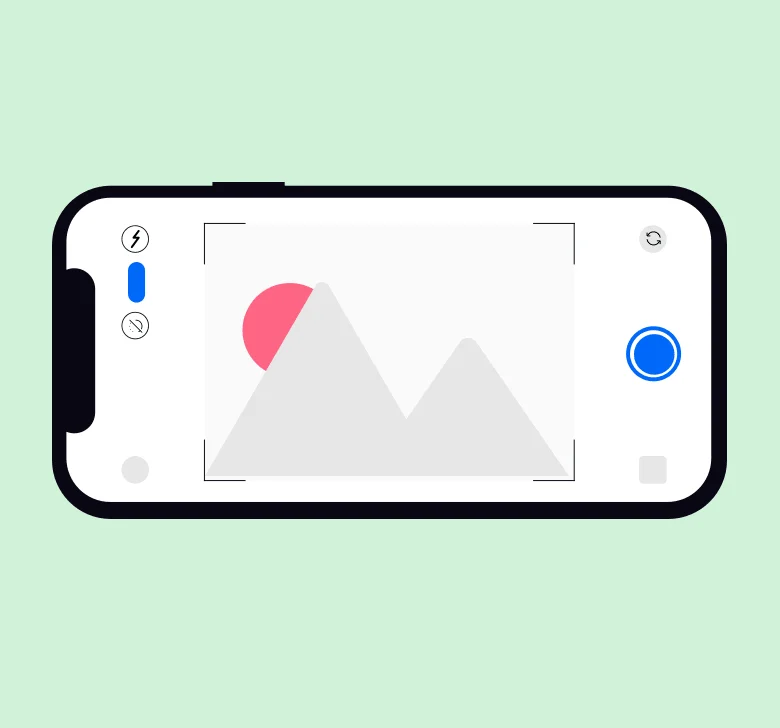
Visual Photo Evidence
For a simpler layer of accountability, require employees to take a live photo of their surroundings or a specific landmark. This provides a timestamped visual record of their location and uniform compliance.
Other Features
Frequently asked questions
How does mobile clock-in work with an AI roster?
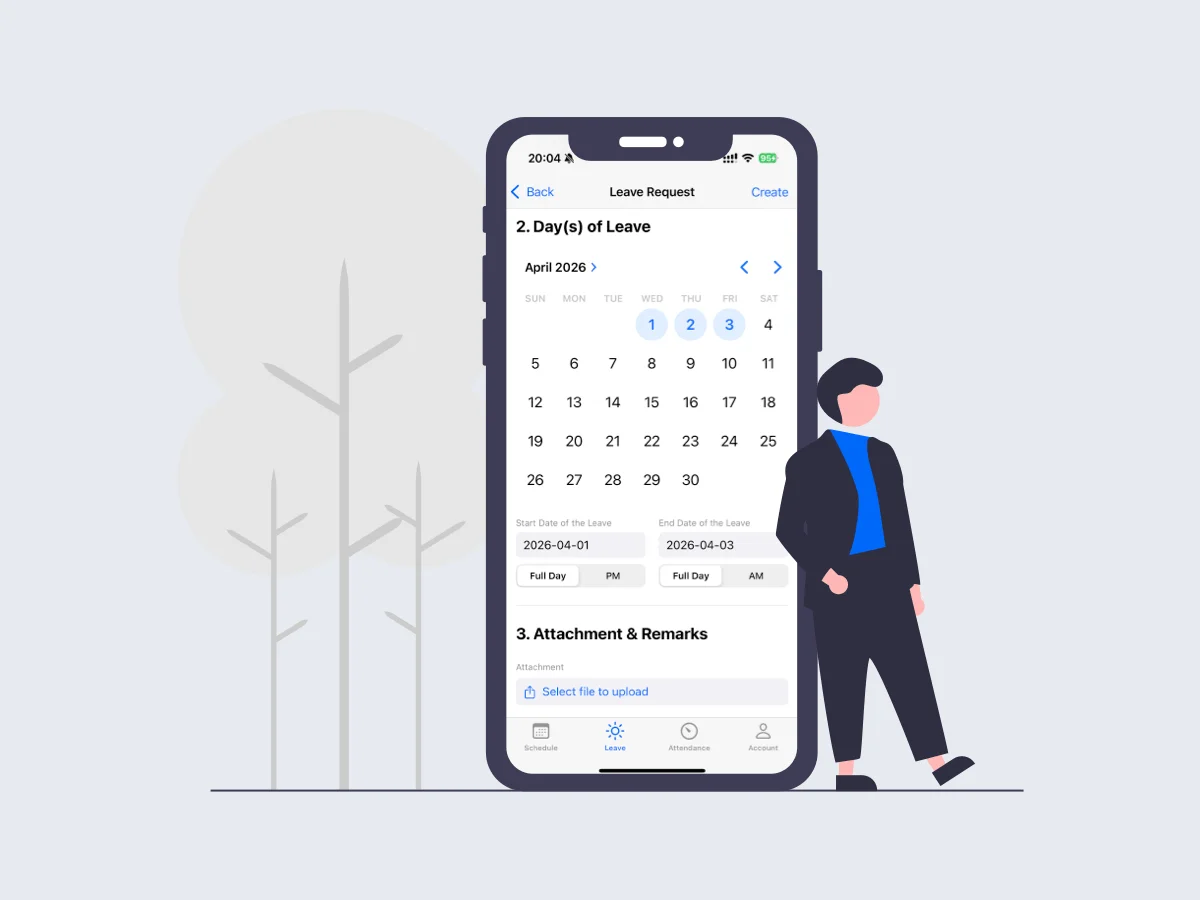
Employees open the app and clock in with GPS, Bluetooth, NFC, WiFi, QR, photo, or face recognition. The timestamp is matched to the AI work schedule so managers see who is on shift versus the AI digital roster.
Is mobile check-in more accurate than a punch clock?
Mobile check-in can require a second factor such as location or face recognition, which reduces buddy punching. Combined with an AI roster, late, early, and unscheduled work is flagged automatically.
Can staff clock in only when they are rostered?
You can require verification at the workplace and still capture unplanned work. Every mobile clock-in is reconciled against the AI roster so payroll and timesheets stay aligned with the AI work schedule.